

&w=3840&q=75)
video
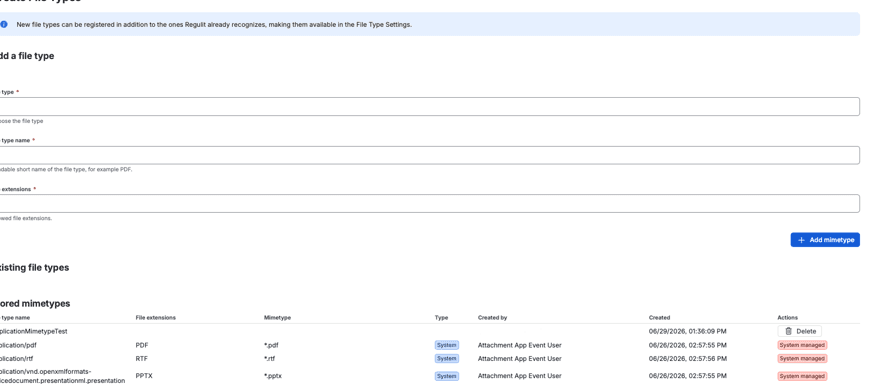
Service desk requests come from outside your organization, where nobody knows your file policy until it stops them. Regulit puts the accepted types on the request form itself.
Shown before the upload, not after
A requester learns your policy from its consequence, and that costs a day per ticket.
A customer picks a file, submits, and finds out about the policy afterwards. The upload field never warned them.
An agent writes back, the customer answers two hours later, and the request has aged a day before the work starts.
Somebody whose attachment kept disappearing calls instead, or gives up. That ticket does not appear in any queue.
A request that breaks the rule still gets an answer, and the answer is not a support reply written by hand.
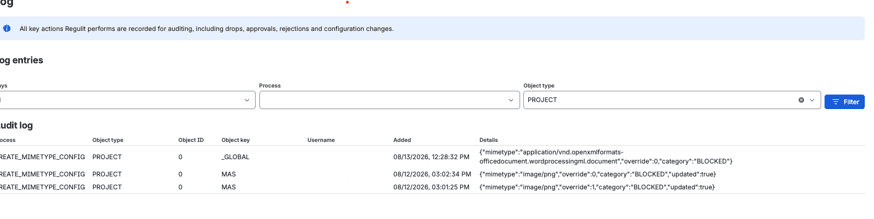
Uploads from outside your organization are the ones you know least about. Switch on the content check and Regulit stops trusting the name.
What the file calls itself. Easy to change, and the first thing that gets changed.
The type Jira reports for the file.
What the file actually is. A Windows program announces itself in its first two bytes, whatever the name says.
Regulit compares these three and finds a file that is not what it claims to be. It does not inspect contents for malware, and it will not stop somebody determined to get past it. It stops habit and mistakes, which is most of what arrives.
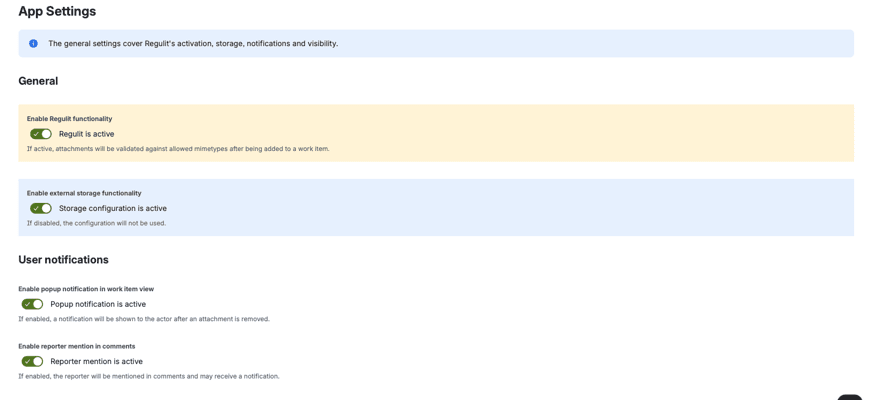
On the portal home page, the request form and the request view. Turn it on with Show file type overview to users.
Yes. Override the file types in the service desk space. Other spaces keep the global rule.
Yes. When a customer uploads, the comment is public. With popup notifications on, they also get a short message.
Yes, if Service desk agents may approve or reject is switched on.
No. It checks file types and file signatures, not malware.
Read on
This page argues the case for showing the rule on the portal. What the app does with an upload, and what it takes to switch it on, each have a page of their own.
Set the types your service desk accepts and open the portal. The banner is there before anyone picks a file.
&w=3840&q=75)
&w=3840&q=75)