
Approve attachments before they stay in Jira
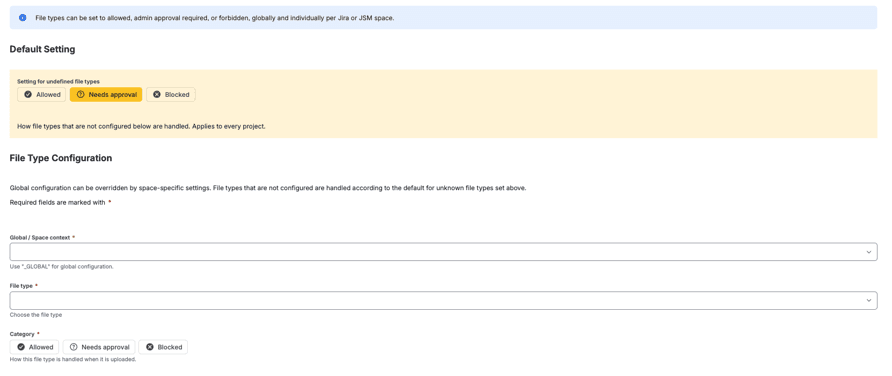
Jira Cloud has no approval step for attachments. A file is on the work item as soon as it is uploaded. REGULIT adds the step: a file of a type set to Needs approval comes off the work item and waits in your own cloud storage until someone approves or rejects it.
Storage in your own cloud account
Uploaded means visible.
Without an app, every choice is all or nothing.
No hold state.
An attachment has no pending status. Everyone who can see the work item can open the file.
Deleting is final.
Removing a file by hand or by automation leaves nothing to restore if the decision was wrong.
Review means opening.
Someone has to open each file to judge it, after everyone else already could.
The file waits in your own bucket.
Needs approval takes the file off the work item and stores it where you choose: Amazon S3, Google Cloud Storage or Azure Blob Storage, in your own account.
A small connector.
You deploy it in your own cloud. REGULIT talks to it, not to the bucket directly.
Every request is signed.
Your connector can check which Jira site and which installation is asking.
A comment on the work item.
It names the file and the rule that held it, so nobody wonders where it went.
Someone decides.
The approval queue lists every held file. Approve puts the original back on the work item. Reject deletes the stored copy.
Space admins can approve, and service desk agents if you allow it.

Five states, one record.
Every held file has exactly one state, and the log keeps it.
PENDING.
In your storage, waiting for a decision.
APPROVED.
Put back on the work item. The stored copy is deleted.
REJECTED.
Not restored. The stored copy is deleted.
EXPIRED.
Nobody decided in time. The stored copy is deleted.
DROPPED.
No copy was ever kept, because no storage was connected or the upload to it failed.
And the record.
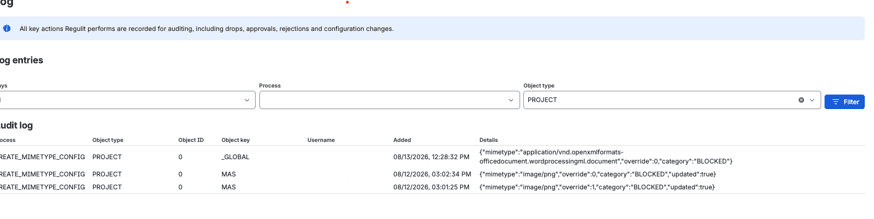
Every change of state is a row in the log, with the person who decided and the time.
Every decision lands in the log.
File, file type, rule, uploader, the person who decided and when. One row per file.
Questions about approval
Who can approve held files?
Space admins, and service desk agents if you allow it.
Where are held files stored?
In your own Amazon S3, Google Cloud Storage or Azure Blob Storage account.
What if no storage is connected?
Needs approval is handled like Blocked. The file is removed and nothing can be restored.
Does approve restore the original?
Yes. The original file goes back on the work item.
What about files above 50 MB?
They cannot be held for approval. Under Needs approval they are removed without a copy.
Read on
Related questions.
Two more answers to the same kind of question.
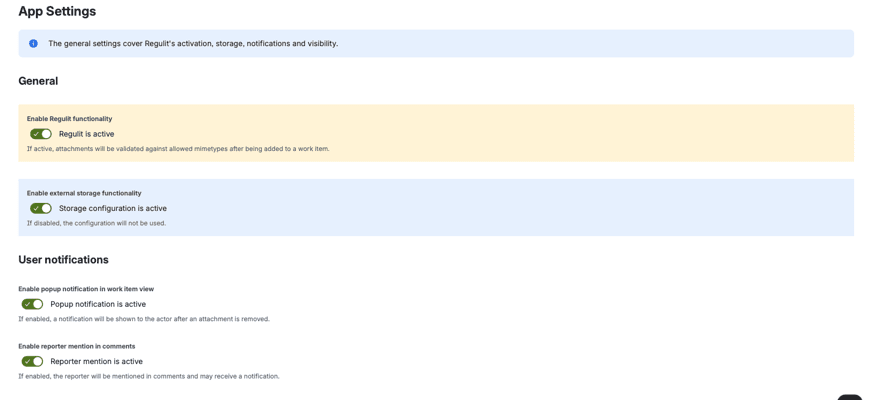
Put a review step in front of your work items.
Connect your storage, set one type to Needs approval in a test space and upload a file. It waits in the queue.